Image created with ChatGPT and Canva
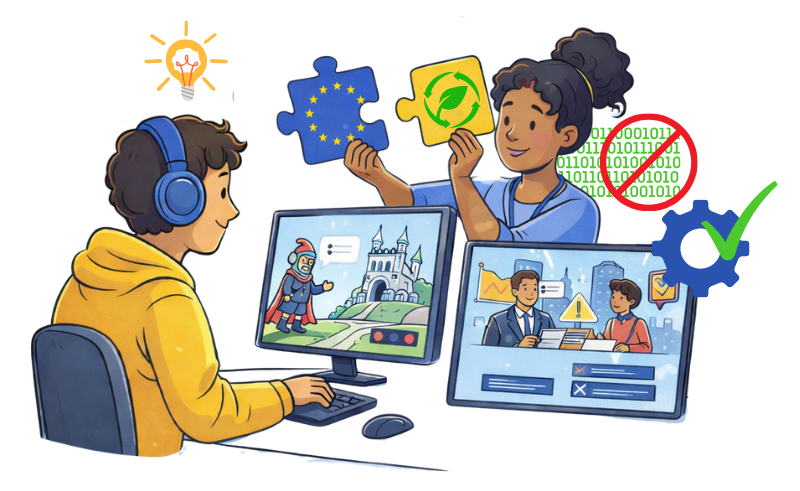
Educational video games are no longer limited to professional developers. Thanks to no-code tools, young people and youth workers alike can now design interactive games without programming knowledge. In doing so, they can transform complex topics such as democracy, human rights, civic responsibility and digital literacy into engaging learning experiences, while enhancing soft skills such as critical thinking, problem-solving and collaboration.
The EUVideoGames project explores how educational games can support civic education and youth participation, combining storytelling and interactivity to make learning more motivating and memorable. Through our resources, including a technical guide, content guide and workshop report, our project demonstrates how anyone can start creating meaningful games even without coding experience.
Here are a few practical recommendations based on these resources.
Educational games work best when learning goals are embedded directly into gameplay rather than added as external explanations. Thus, the very first thing to do when creating a game is to determine what the player should learn. For example:
The EUVideoGames content guide emphasises that effective educational games balance learning and engagement. If educational content dominates, players may lose interest; if gameplay dominates, the learning message may disappear. Achieving balance requires intentional design choices from the start.
There exists a wide variety of no-code game engines which allow users to create games through visual tools and pre-built components instead of programming. Typical features include:
Within this project, we specifically focus on Genially and RPG Maker MV, which were the focus of our internal workshop and allowed coordinators with no experience in game design to create very interesting prototype games in only 2.5 days.
You can discover more details about some of those tools across our project resources, including the technical guide and the workshop report, and in a previous article presenting 12 useful tools to create educational video games without coding.
Game mechanics define how players interact with the game. They must follow core game design principles, including objectives, rules, flow, and feedback, as explained in our resources, including the workshop report.
To keep your game accessible:
Some beginner-friendly mechanics include:
A common mistake in educational games is the “quiz trap”, where questions interrupt gameplay rather than being integrated into it. Good design ensures learning happens through interaction.
Storytelling is a powerful way to make abstract ideas understandable. Educational games can use narrative scenarios to explore real-life challenges such as:
When learning is embedded in the story through meaningful decisions, players gain knowledge through relatable action rather than passive reading.
Visuals, sounds and animations help create immersive experiences and make games more interactive and more accessible to various learning styles. You can find a variety of recommended resources for images, graphics, game assets and audio effects in the workshop report annexes.
Educational games rarely work perfectly on the first attempt. Successful design relies on iterative development. Recommended steps include:
Playtesting helps identify design issues early and ensures that both learning and gameplay remain clear and engaging.
The current phase of the EUVideoGames project involves the creation of 10 educational video games as short prototypes designed around key EU themes such as democracy, civic rights and responsibilities, sustainability, human rights and media literacy. Some of these prototype games were created by partners with little to no experience in game design prior to the workshop in November 2025. As such, they are proof that, with the right tools and guidance, creating educational games can be accessible to everyone.
Through an iterative approach and thanks to our guides, prototype games and upcoming toolbox, templates and tutorials, youth workers and young people across Europe and beyond will be able to explore the creative and fulfilling process of video game design, enhance educational methods with interactive activities, foster civic, democratic, social and environmental responsibility among youth and inspire the next generation of active citizens!
References